Bootstrap and Templates for Developers: Build Websites Faster
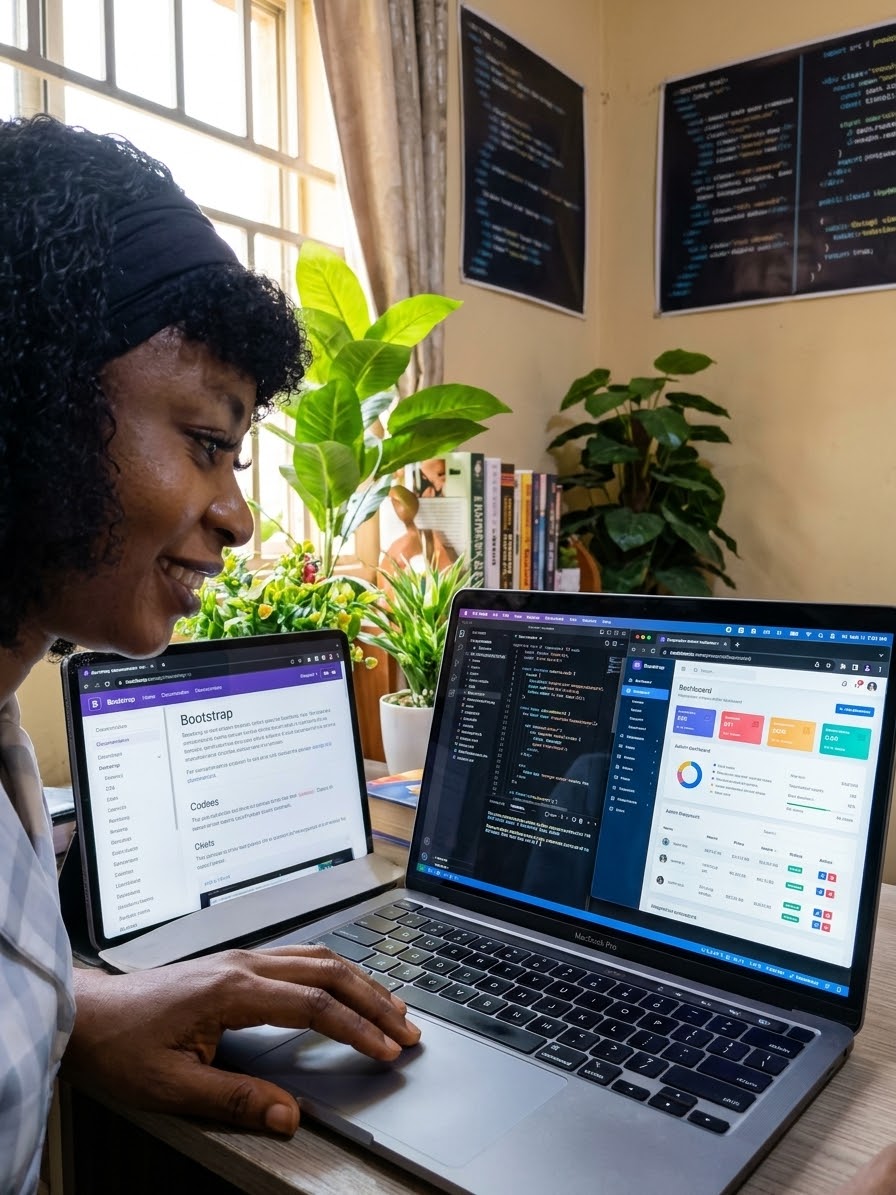
Bootstrap and Templates for Developers: Build Websites Faster
Building a website from scratch can take considerable time, especially when a project requires responsive pages, navigation menus, forms, dashboards, tables, and other interface components.
Fortunately, developers can use tools such as Bootstrap and ready-made website templates to speed up development while maintaining a professional appearance.
Whether you are a beginner learning web development or an experienced developer building projects for clients, these resources can improve your workflow.
1. What Is Bootstrap?
Bootstrap is a popular front-end framework for building responsive websites and web applications. It provides reusable CSS styles, layout tools, and interactive components that help developers create interfaces for desktop computers, tablets, and mobile phones.
Some of its features include:
Responsive grid layouts
Navigation bars and dropdowns
Buttons, forms, and alerts
Cards and modals
Tables and pagination
Utility classes for spacing, colours, and layout
For example, you can create a styled button with just a few lines of HTML:
<button class="btn btn-primary">
    Get Started
</button>
Instead of writing every styling rule from scratch, you can use Bootstrap's existing classes and customise them to suit your project.
Explore the official documentation: https://getbootstrap.com/
2. What Are Website Templates?
A website template is a pre-designed layout that developers can customise for a particular project.
Depending on the template, it may include complete pages, navigation menus, dashboard layouts, CSS files, JavaScript functionality, and reusable components.
Common template types include:
Business and corporate websites
Portfolio websites
E-commerce stores
Blogs and news websites
Admin dashboards
School management systems
Hospital management systems
SaaS applications
Templates can save time, but developers should review their code quality, licensing terms, compatibility, and responsiveness before using them.
3. Useful Websites for Finding Templates
Here are some resources worth exploring.
Bootstrap Official Examples
Website: https://getbootstrap.com/docs/
The official documentation provides examples and components for learning Bootstrap and building custom interfaces.
Start Bootstrap
Website: https://startbootstrap.com/
Offers Bootstrap-based themes and templates for websites and dashboards.
AdminLTE
Website: https://adminlte.io/
Provides admin dashboard layouts and interface components for administrative applications.
ThemeForest
Website: https://themeforest.net/
A marketplace for premium website themes, Bootstrap templates, and admin dashboards.
HTML5 UP
Website: https://html5up.net/
Offers responsive website templates. Check the licence and technology used in each template before adopting it.
Always verify the current licence and whether a template is free, paid, or subject to specific usage restrictions.
4. Bootstrap vs Website Templates
Bootstrap and templates are related, but they serve different purposes.
Bootstrap provides the building blocks for creating an interface.
A website template provides a pre-designed starting point. It may use Bootstrap or another framework.
For example, when developing a school management portal, you could use a Bootstrap dashboard template and customise its sidebar, navigation, colours, tables, and forms to suit the school.
Alternatively, you could build the entire interface yourself using Bootstrap's documentation.
The right choice depends on your deadline, design requirements, technical skills, and budget.
5. Using Templates in Laravel Projects
Laravel developers can integrate a suitable template into Blade views and organise the application into reusable layouts.
A basic structure could look like this:
resources/
└── views/
    ├── layouts/
    │   └── app.blade.php
    ├── dashboard/
    │   └── index.blade.php
    └── users/
        └── index.blade.php
The main layout can contain shared elements such as the navigation bar, sidebar, CSS, JavaScript, and footer. Individual Blade views can then display page-specific content.
This reduces duplicated code and makes the application easier to maintain.
Remember that a template only provides the presentation layer. Features such as authentication, role-based permissions, database operations, form validation, and secure file uploads must still be implemented correctly.
6. What Should You Check Before Choosing a Template?
Before using a template for a real project, consider these factors:
Responsiveness: Does it work well on mobile phones?
Compatibility: Does it support your framework and its version?
Code quality: Is the code organised and maintainable?
Documentation: Are installation and customisation instructions available?
Licence: Can you legally use it for commercial projects?
Accessibility: Can users navigate it effectively?
Performance: Does it load unnecessary scripts or large assets?
Security: Does it rely on outdated libraries or unsafe third-party scripts?
Customisation: Can you adapt the design to your client's needs?
A good-looking template does not automatically make an application secure, accessible, or production-ready.
7. Should You Use a Free or Premium Template?
Free templates are useful for learning, prototypes, personal websites, and projects with limited budgets.
Premium templates may offer more layouts, additional components, documentation, and support. However, paying for a template does not guarantee better code or a better fit for your project.
Before purchasing one, review its demo, documentation, supported technologies, update history, and licence.
Final Thoughts
Bootstrap and website templates can help developers build professional-looking websites more efficiently. They are particularly useful for dashboards, business websites, portfolios, and web applications.
The best solution is not necessarily the one with the most features. It is the one that meets your project requirements, remains maintainable, performs well, and allows you to deliver a good experience to your users.
Let's Discuss
Which approach do you prefer when building a website?
Building the interface from scratch with Bootstrap
Using a free website template
Purchasing a premium template
Using another framework or UI library
Share your favourite template websites, your experience with Bootstrap, or resources that have helped you build better websites. Let's help other developers discover useful tools and improve their development workflow.
💬 Comments
No comments yet. Be the first to comment!
← Back to Blog📚 Related Articles
The Use of Technology to Wipe Off Local Techniques
Technology has become a major force in the development of modern society. It has changed the way peo...
Read More →
Implementing and Evaluating the Effectiveness of Zero Trust in Society
Technology has become an essential part of modern society. People use digital platforms for banking,...
Read More →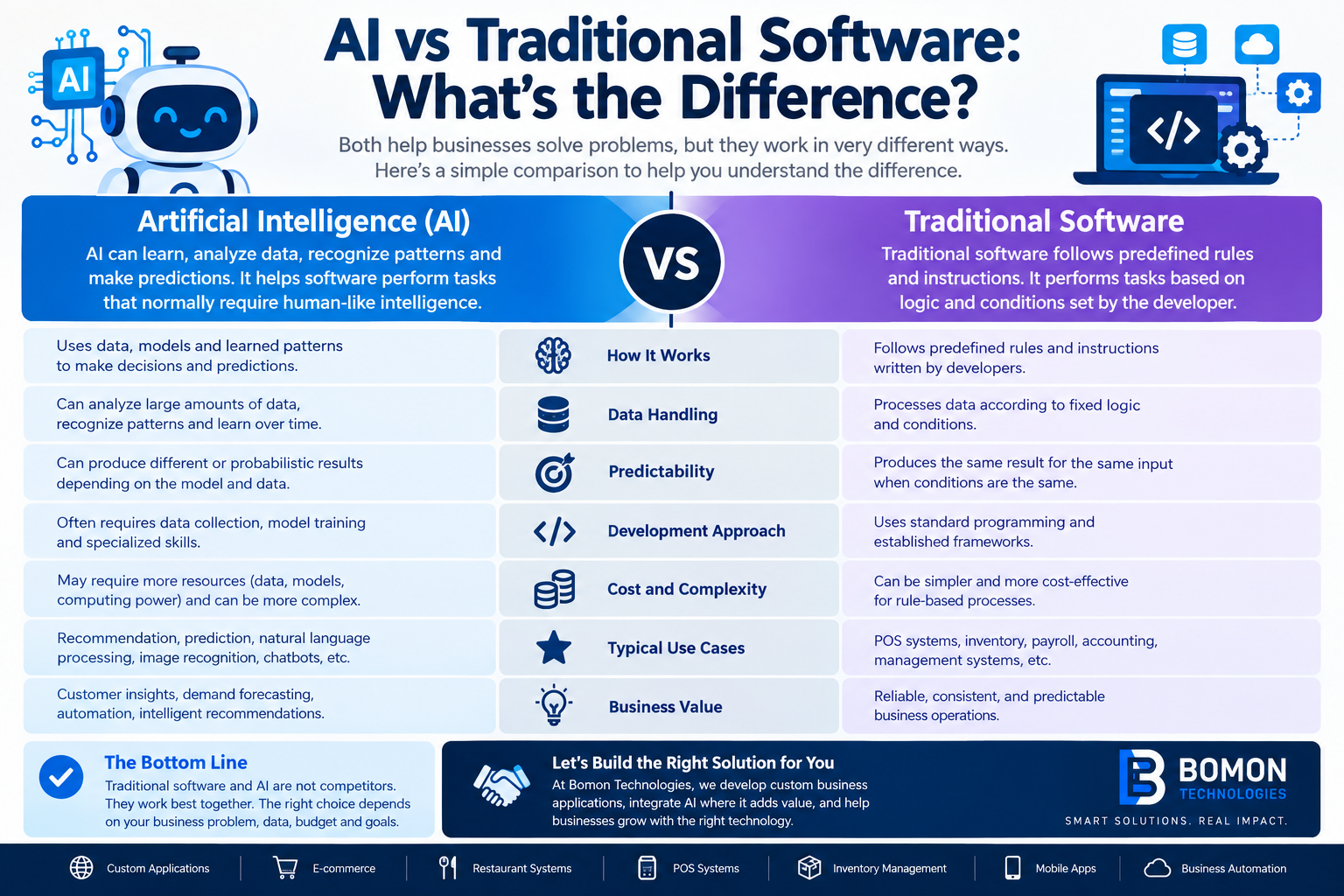
AI vs Traditional Software: What's the Difference?
Technology has changed the way businesses operate. Today, businesses can choose from traditional sof...
Read More →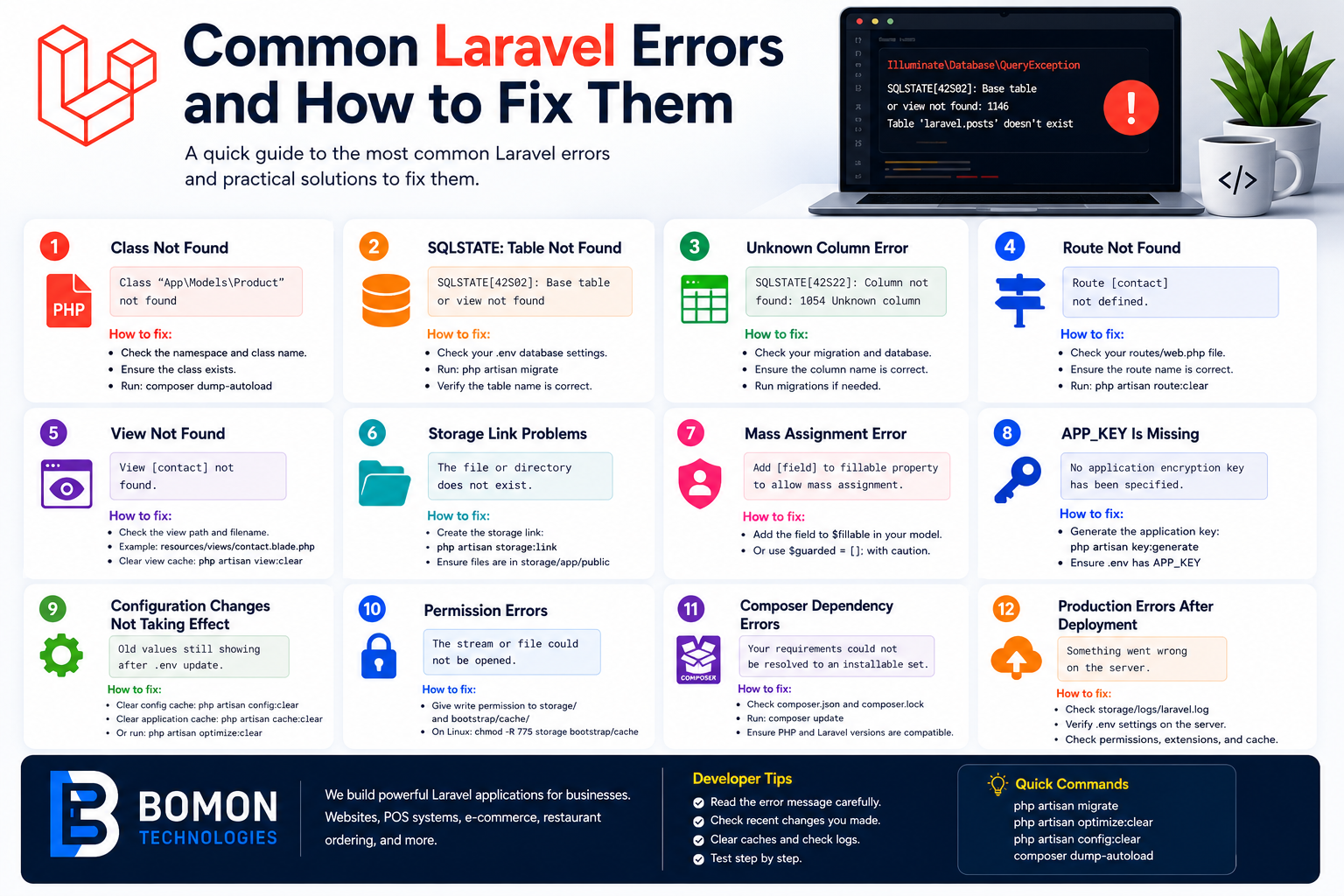
Common Laravel Errors and How to Fix Them
Laravel makes modern PHP application development faster and more structured. However, like any softw...
Read More →
Essential Skills Every Professional Should Develop
The workplace is constantly changing, and professionals are expected to do more than simply have aca...
Read More →
Why Small Businesses Need Custom Software
Small businesses are increasingly using technology to improve the way they operate. However, many bu...
Read More →