Building a Secure Laravel Application
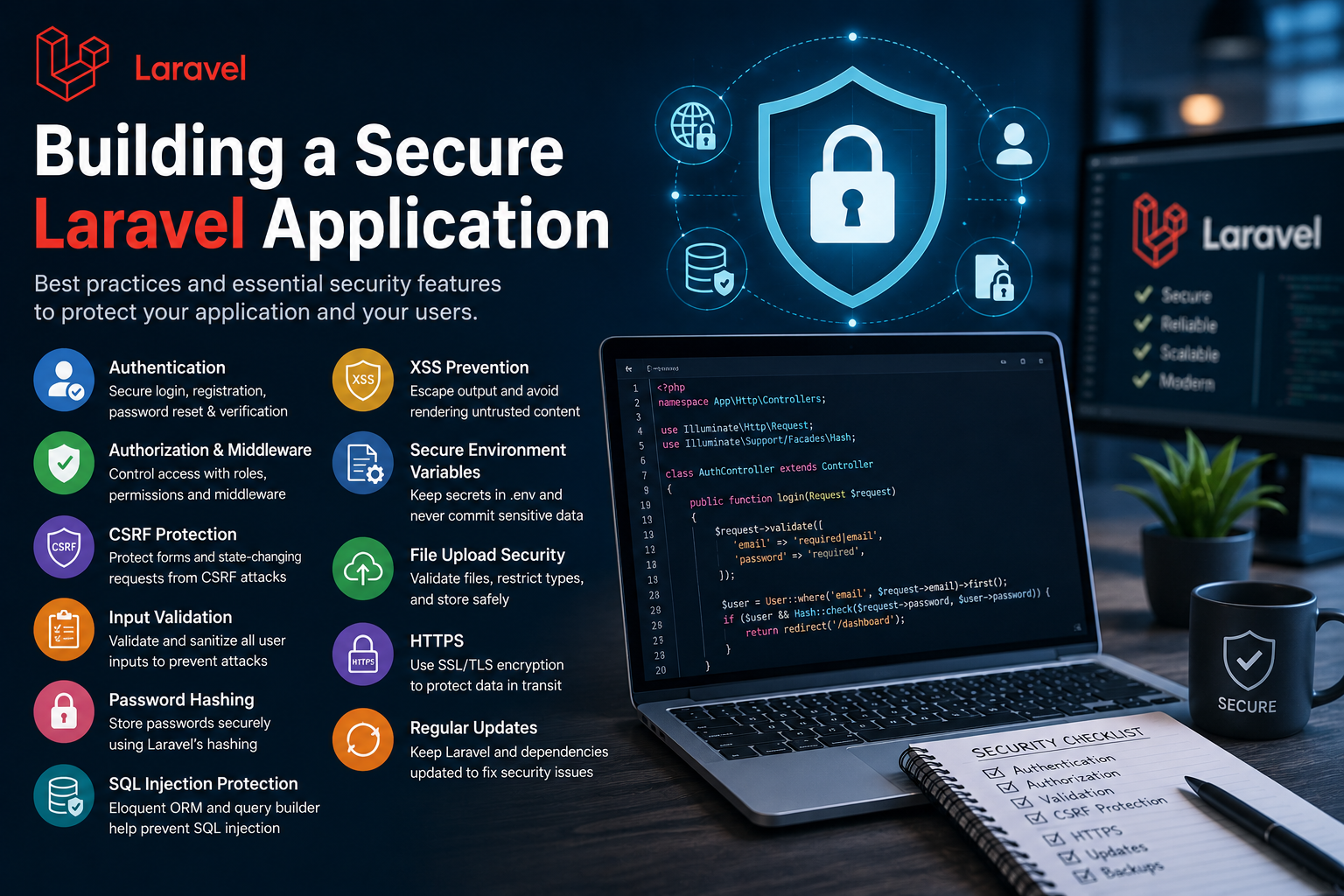
Building a web application is not only about making it functional. Security should be considered from the beginning of the development process.
Laravel provides many built-in security features, but developers still need to configure and use them correctly. A secure Laravel application protects user accounts, business data, databases, uploaded files, and sensitive configuration information.
Here are some important practices for building a secure Laravel application.
1. Authentication
Authentication verifies that a user is who they claim to be.
A Laravel application can provide features such as:
User registration
Login
Logout
Password reset
Email verification
Remember-me functionality
Authentication should be implemented using Laravel's recommended authentication tools rather than building password-handling logic from scratch.
2. Authorization and Middleware
Authentication answers:
"Who is this user?"
Authorization answers:
"What is this user allowed to do?"
For example, a business application might have:
Administrator
Staff
Vendor
Customer
Each role should have access only to the features it needs.
Laravel middleware can also be used to protect routes and ensure that requests meet specific conditions before reaching a controller.
3. CSRF Protection
Cross-Site Request Forgery (CSRF) attacks can trick authenticated users into submitting unwanted requests.
Laravel provides built-in CSRF protection for web forms.
For example:
<form method="POST" action="/profile">
    @csrf
    <!-- form fields -->
    <button type="submit">Save</button>
</form>
The @csrf directive adds a CSRF token that Laravel can verify when processing the request.
Developers should remember to include CSRF protection on appropriate state-changing forms.
4. Input Validation
Never assume that information submitted by users is safe.
Laravel provides convenient validation tools.
For example:
$request->validate([
    'name' => 'required|string|max:255',
    'email' => 'required|email',
    'message' => 'required|string|min:10',
]);
Validation helps prevent invalid or unexpected data from entering the application.
It is particularly important for:
Registration forms
Contact forms
Checkout forms
File uploads
Admin forms
API requests
5. Password Hashing
Passwords should never be stored as plain text.
Laravel provides secure password hashing functionality.
For example:
use Illuminate\Support\Facades\Hash;

$password = Hash::make($request->password);
When checking a password, Laravel can verify the hashed value without requiring the original password to be stored.
Users should also be encouraged to use strong, unique passwords.
6. SQL Injection Protection
SQL injection occurs when attackers manipulate database queries through malicious input.
Laravel's query builder and Eloquent ORM use parameterized queries when used correctly.
For example:
$users = User::where('email', $request->email)->get();Developers should avoid constructing SQL queries by directly concatenating untrusted user input.
When raw SQL is necessary, parameter binding should be used appropriately.
7. XSS Prevention
Cross-Site Scripting (XSS) occurs when malicious scripts are injected into pages viewed by other users.
Blade automatically escapes normal output:
{{ $user->name }}This is safer than rendering untrusted content as raw HTML.
Developers should be particularly careful when using:
{!! $content !!}Raw output should only be used when the content has been properly trusted or sanitized.
8. Secure Environment Variables
Sensitive configuration information should not be placed directly in source code.
Examples include:
Database passwords
SMTP passwords
API keys
Payment gateway credentials
Encryption keysThese values should normally be stored in environment configuration.
For example:
DB_PASSWORD=your_database_password
MAIL_PASSWORD=your_mail_password
The .env file should never be committed to a public Git repository.
Applications should also use a proper APP_KEY and protect production environment configuration.
9. File Upload Security
File uploads can create serious security risks if they are not handled correctly.
A secure application should:
Validate file types
Restrict file sizes
Avoid trusting the original filename
Store uploads safely
Generate safe filenames
Prevent executable files from being uploaded where inappropriate
Restrict access to sensitive uploads
For example:
$request->validate([
    'document' => 'required|file|max:5120|mimes:pdf,doc,docx',
]);
Only allow the file types your application actually needs.
10. HTTPS
Production Laravel applications should use HTTPS.
HTTPS encrypts communication between the user's browser and the server.
This is particularly important for applications handling:
Login credentials
Personal information
Payment information
Customer accounts
Business data
A valid SSL/TLS certificate should be installed and HTTP traffic should generally be redirected to HTTPS.
11. Keep Laravel and Dependencies Updated
Security vulnerabilities can be discovered in frameworks and third-party packages over time.
Developers should regularly review and update:
Laravel
PHP
Composer packages
JavaScript dependencies
Server software
Before updating a production application, test the updates in a development or staging environment.
You can inspect outdated Composer packages with:
composer outdatedand review available dependency updates with:
composer updateUpdates should be tested rather than blindly applied to a production system.
Security Is a Continuous Process
Application security is not something you complete once and forget.
As your application grows, new features can introduce new security considerations.
For example:
New Feature
     ↓
Input Validation
     ↓
Authorization
     ↓
Security Testing
     ↓
Deployment
     ↓
Monitoring & Updates
Security should therefore be part of the entire software development lifecycle.
Laravel Security Checklist
Before deploying a Laravel application, review:
✅ Authentication implemented correctly
✅ Authorization and middleware configured
✅ CSRF protection enabled
✅ User input validated
✅ Passwords securely hashed
✅ Database queries protected against injection
✅ Output properly escaped
✅.envprotected
✅ File uploads restricted
✅ HTTPS enabled
✅ Dependencies regularly updated
✅ Production debugging disabled
✅ Backups configured
Conclusion
Laravel provides developers with many tools for building secure applications, but framework features alone are not enough. Developers must use those features correctly and follow secure development practices.
By implementing authentication, authorization, validation, CSRF protection, secure database queries, XSS prevention, safe file handling, HTTPS, and regular updates, developers can significantly improve the security of their Laravel applications.
Build Secure Laravel Applications with Bomon Technologies
At Bomon Technologies, we develop custom Laravel applications with security, scalability, and maintainability in mind.
Whether you need an e-commerce platform, POS system, restaurant ordering system, business dashboard, API, or custom Laravel application, we can help turn your requirements into a secure digital solution.
💬 Comments
No comments yet. Be the first to comment!
← Back to Blog📚 Related Articles
Bootstrap and Templates for Developers: Build Websites Faster
Bootstrap and Templates for Developers: Build Websites FasterBuilding a website from scratch can tak...
Read More →
The Use of Technology to Wipe Off Local Techniques
Technology has become a major force in the development of modern society. It has changed the way peo...
Read More →
Implementing and Evaluating the Effectiveness of Zero Trust in Society
Technology has become an essential part of modern society. People use digital platforms for banking,...
Read More →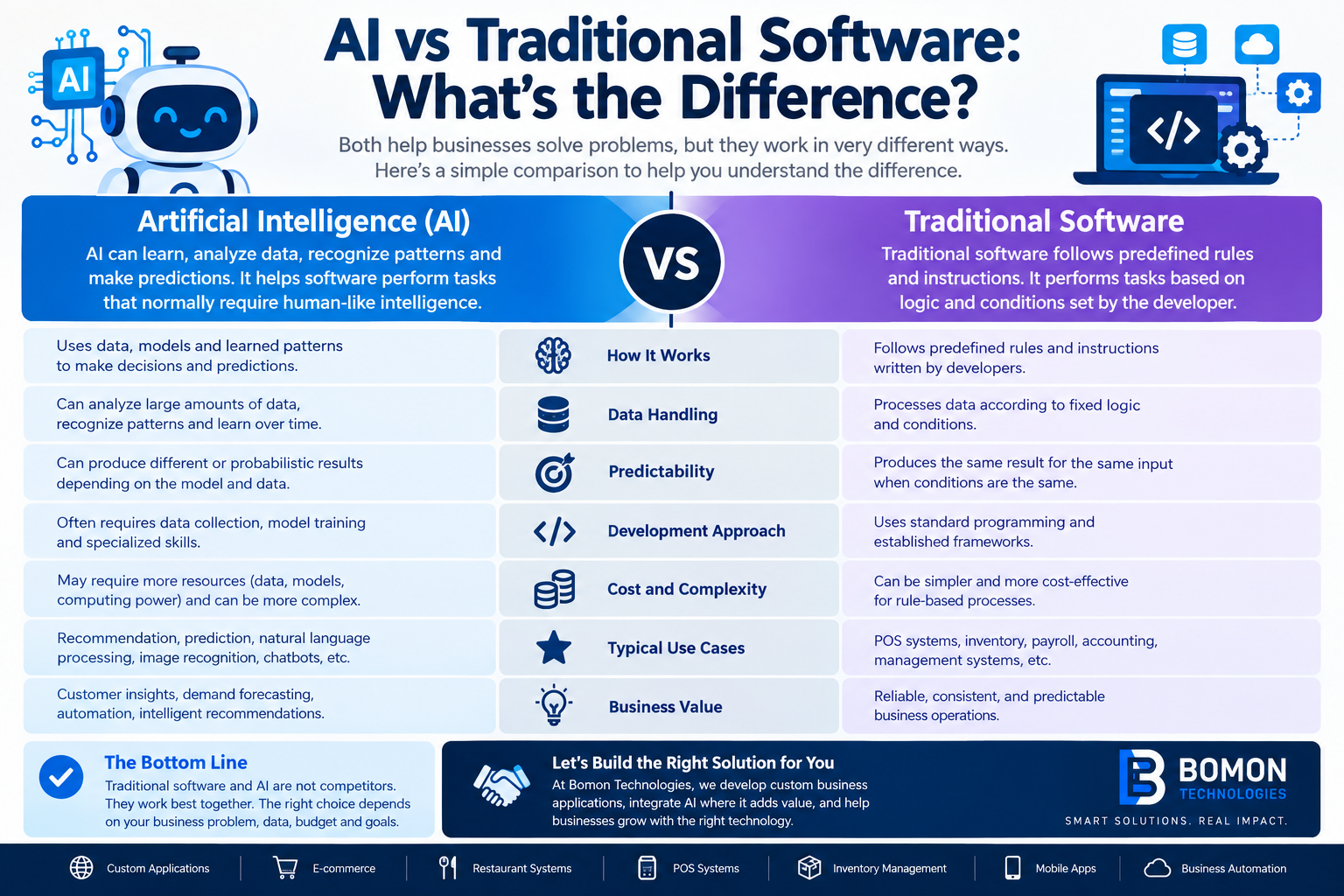
AI vs Traditional Software: What's the Difference?
Technology has changed the way businesses operate. Today, businesses can choose from traditional sof...
Read More →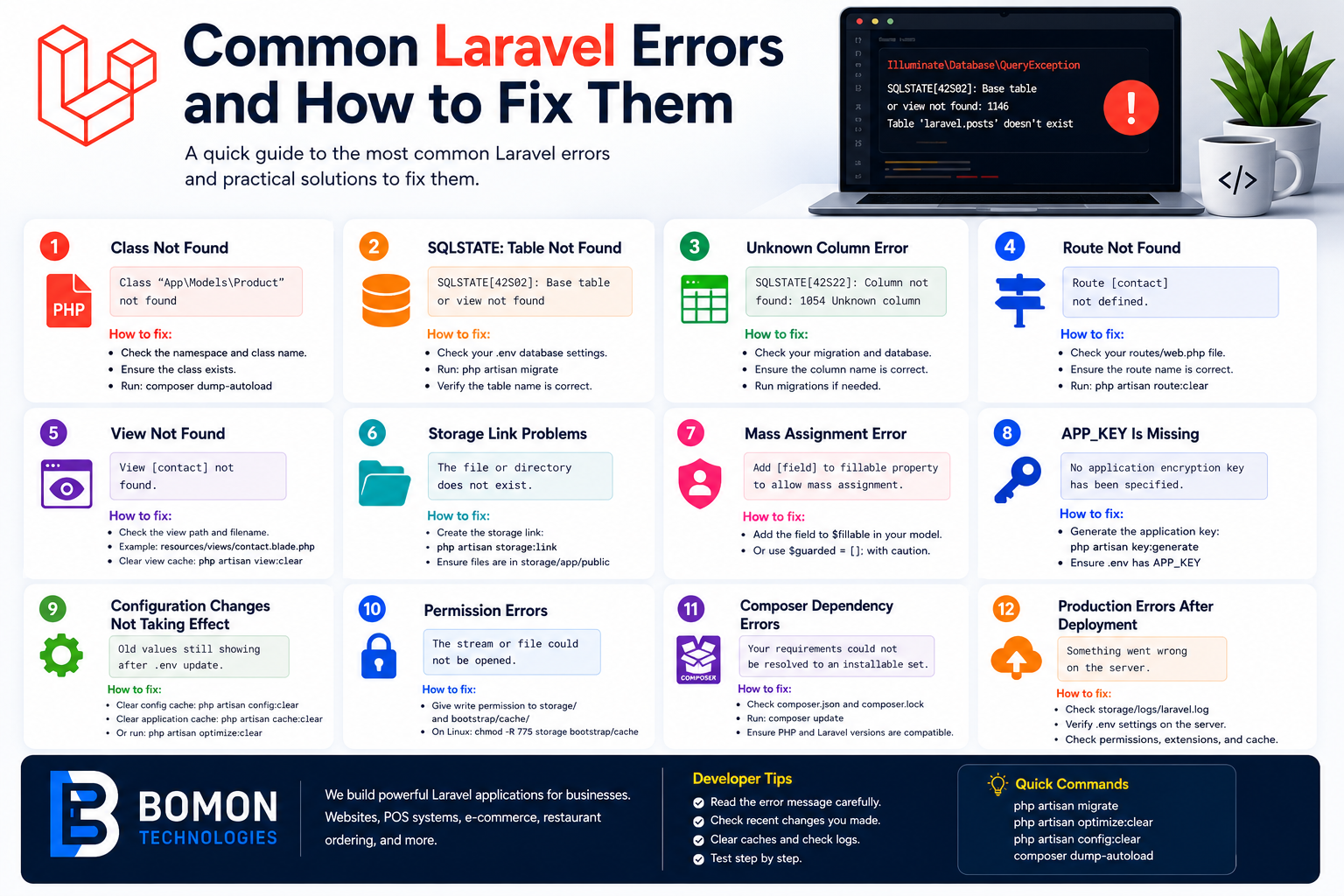
Common Laravel Errors and How to Fix Them
Laravel makes modern PHP application development faster and more structured. However, like any softw...
Read More →
Essential Skills Every Professional Should Develop
The workplace is constantly changing, and professionals are expected to do more than simply have aca...
Read More →