Database Migrations and Eloquent ORM
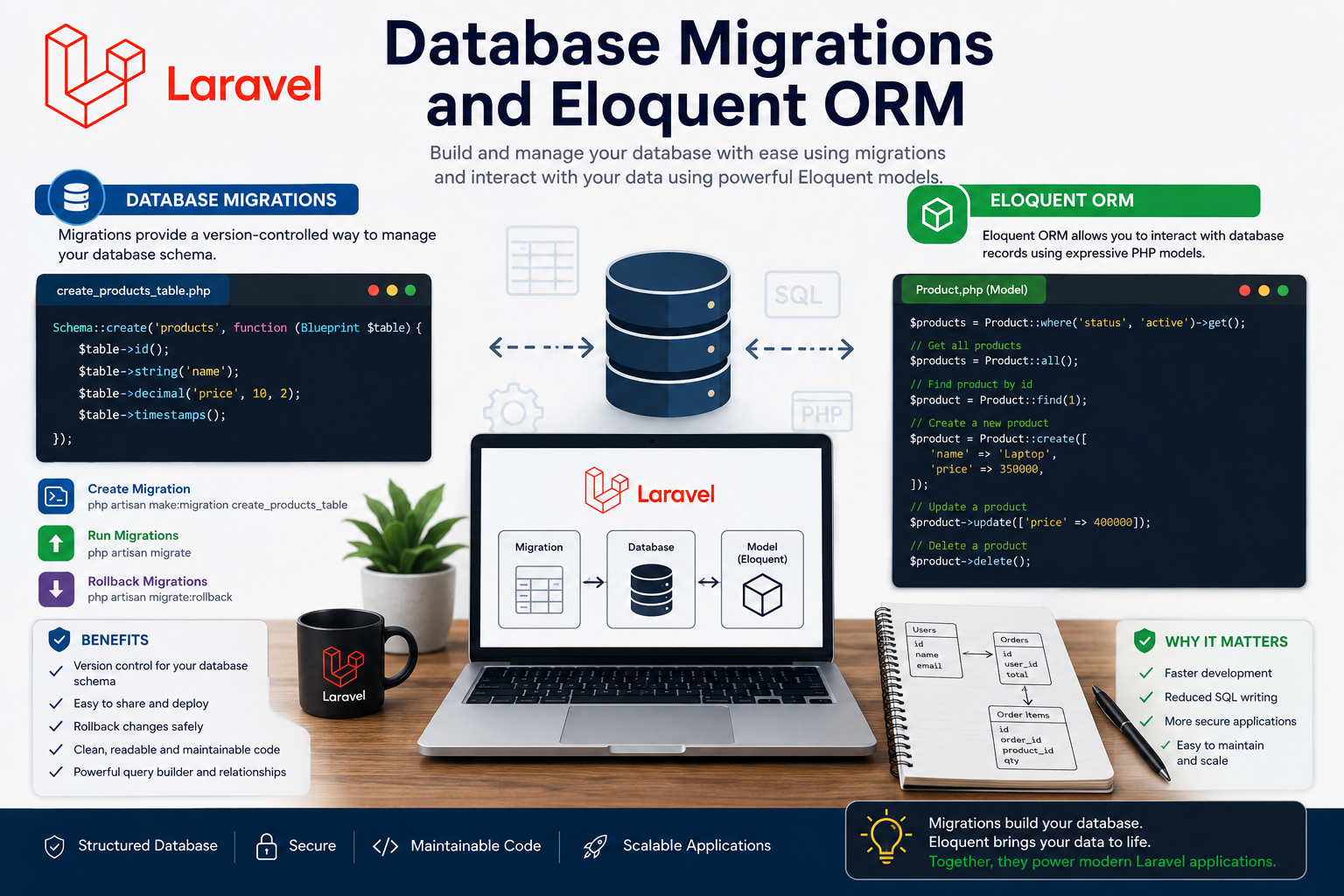
Database management is an important part of modern application development. Laravel makes working with databases easier through two powerful features: Database Migrations and Eloquent ORM.
Together, they allow developers to create database structures, manage changes, and interact with database records using clean and expressive PHP code.
1. What Are Laravel Database Migrations?
Laravel migrations provide a version-controlled way of managing database structures.
Instead of manually creating and modifying tables through a database management tool, developers can define database changes using PHP.
For example, a products table can be created with:
Schema::create('products', function (Blueprint $table) {
    $table->id();
    $table->string('name');
    $table->decimal('price', 10, 2);
    $table->timestamps();
});
This migration creates a table containing:
An auto-incrementing ID
Product name
Product price
Creation and update timestamps
2. Creating a Migration
Laravel Artisan can generate a migration using:
php artisan make:migration create_products_tableLaravel will create a migration file inside:
database/migrationsThe migration can then define how the table should be created.
After creating the migration, run:
php artisan migrateLaravel will apply the migration to the configured database.
3. Modifying Existing Tables
Migrations are also useful when an existing application needs new database fields.
For example, you might need to add a stock column to the products table:
Schema::table('products', function (Blueprint $table) {
    $table->integer('stock')->default(0);
});
This allows the database structure to evolve as the application grows.
4. Rolling Back Migrations
Laravel also allows developers to reverse migrations.
For example:
php artisan migrate:rollbackThis can be useful during development when a migration needs to be corrected or reverted.
Developers should be careful with rollback operations in production because they can remove or modify database structures and potentially affect data.
5. What Is Eloquent ORM?
Eloquent is Laravel's Object-Relational Mapper (ORM).
It allows developers to interact with database tables using PHP models instead of writing SQL queries for every operation.
For example, a Product model can represent records in the products table.
You could retrieve active products with:
$products = Product::where('status', 'active')->get();This is easier to read than manually constructing a SQL query.
6. Creating an Eloquent Model
A model can be generated using Artisan:
php artisan make:model ProductThe model is normally stored in:
app/Models/Product.phpA basic model can look like:
namespace App\Models;

use Illuminate\Database\Eloquent\Model;

class Product extends Model
{
    //
}
Laravel's naming conventions allow the Product model to work naturally with the products database table.
7. Retrieving Data
Eloquent provides several methods for retrieving records.
Get all products:
$products = Product::all();Find a product by ID:
$product = Product::find(1);Find only active products:
$products = Product::where('status', 'active')->get();Find the first matching record:
$product = Product::where('name', 'Laptop')->first();These methods make database operations readable and expressive.
8. Creating Records
Eloquent can also be used to create new database records.
For example:
$product = Product::create([
    'name' => 'Laptop',
    'price' => 350000,
]);
When using create(), make sure the model's mass-assignment configuration is properly set.
For example:
protected $fillable = [
    'name',
    'price',
];
9. Updating Records
Existing records can be updated using Eloquent.
For example:
$product = Product::find(1);

$product->price = 400000;
$product->save();
You can also update records using:
Product::where('id', 1)->update([
    'price' => 400000,
]);
10. Deleting Records
Eloquent also provides a simple way to delete records:
$product = Product::find(1);

$product->delete();
For applications where records should be retained instead of permanently deleted, Laravel also supports soft deletes.
11. Eloquent Relationships
One of Eloquent's most useful features is database relationships.
For example, an online store might have:
Vendor
   ↓
Products
   ↓
Orders
   ↓
Order Items
A vendor can have many products:
public function products()
{
    return $this->hasMany(Product::class);
}
A product can belong to a vendor:
public function vendor()
{
    return $this->belongsTo(Vendor::class);
}
Laravel can then retrieve related records using:
$vendor->products;This makes working with connected database records much easier.
Why Migrations and Eloquent Matter
Migrations and Eloquent provide a structured approach to database development.
Migrations help with:
Creating tables
Modifying tables
Adding columns
Removing columns
Defining indexes
Managing database changes
Keeping database structures version-controlled
Eloquent helps with:
Retrieving records
Creating records
Updating records
Deleting records
Database relationships
Query building
Cleaner application code
Together they make Laravel applications easier to develop and maintain.
Conclusion
Laravel's migration system provides a reliable way to manage database structures as an application evolves, while Eloquent ORM provides an expressive way to interact with database records.
Whether you are developing an e-commerce platform, restaurant ordering system, POS application, customer management system, or custom business software, migrations and Eloquent can help keep your application's database organized and maintainable.
Build Powerful Laravel Applications with Bomon Technologies
At Bomon Technologies, we use Laravel and modern database technologies to develop custom software solutions for businesses.
From e-commerce and restaurant ordering systems to POS platforms and business management applications, we can help transform your requirements into a reliable digital solution.
💬 Comments
No comments yet. Be the first to comment!
← Back to Blog📚 Related Articles
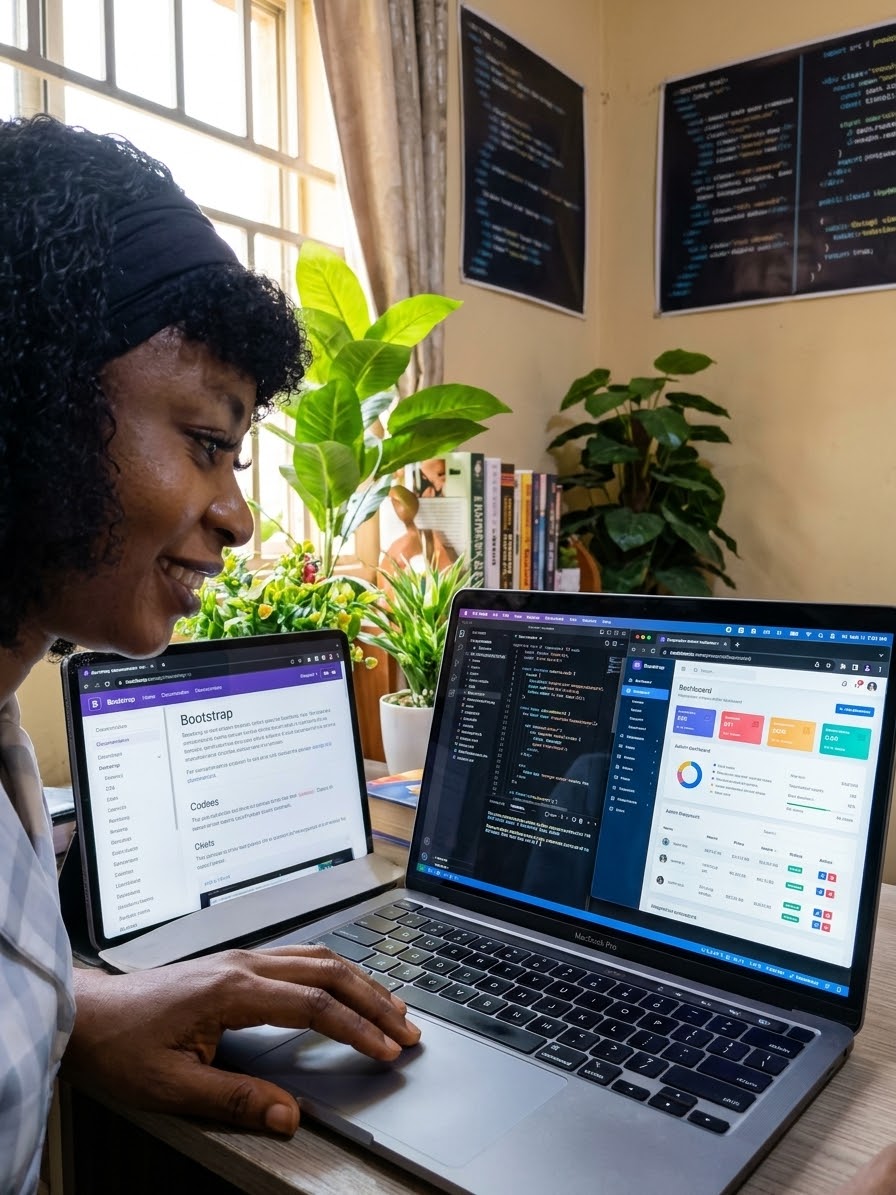
Bootstrap and Templates for Developers: Build Websites Faster
Bootstrap and Templates for Developers: Build Websites FasterBuilding a website from scratch can tak...
Read More →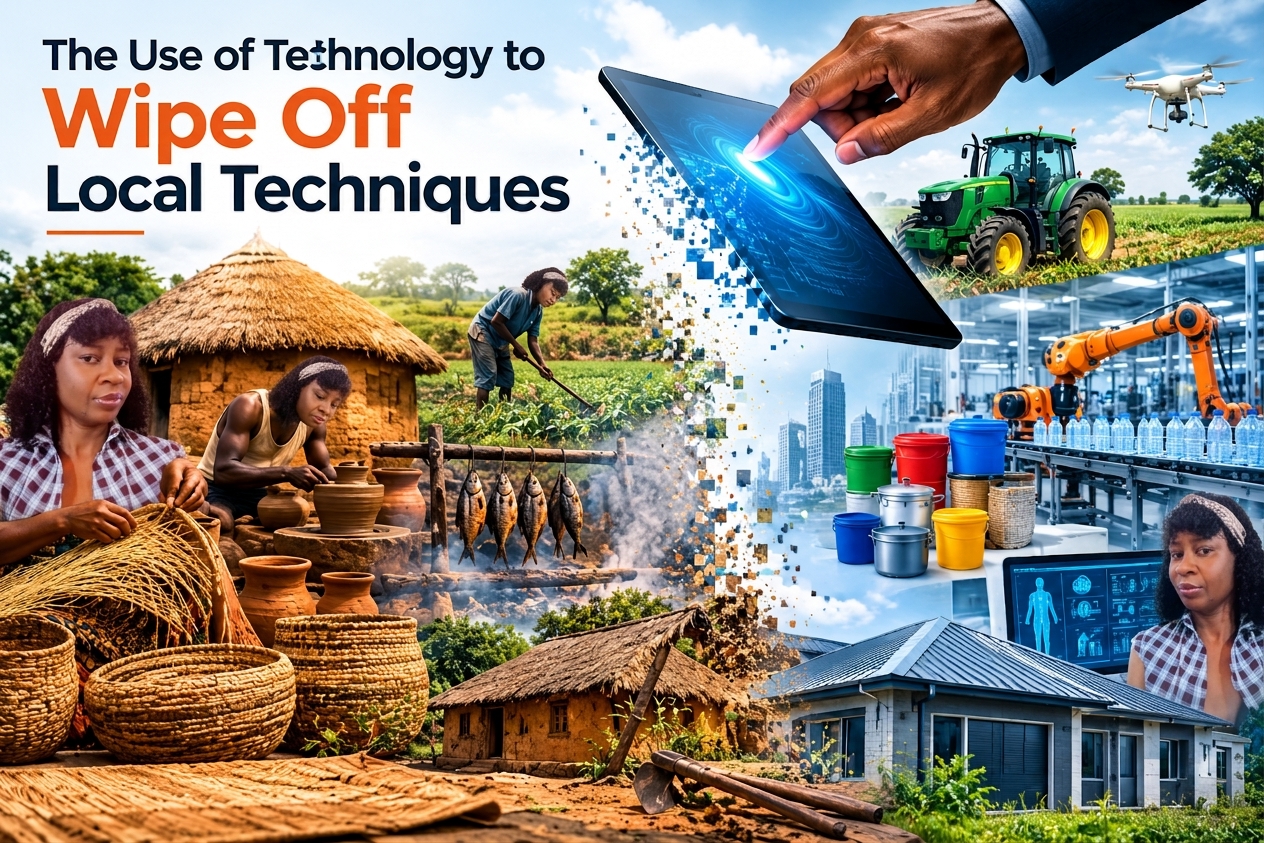
The Use of Technology to Wipe Off Local Techniques
Technology has become a major force in the development of modern society. It has changed the way peo...
Read More →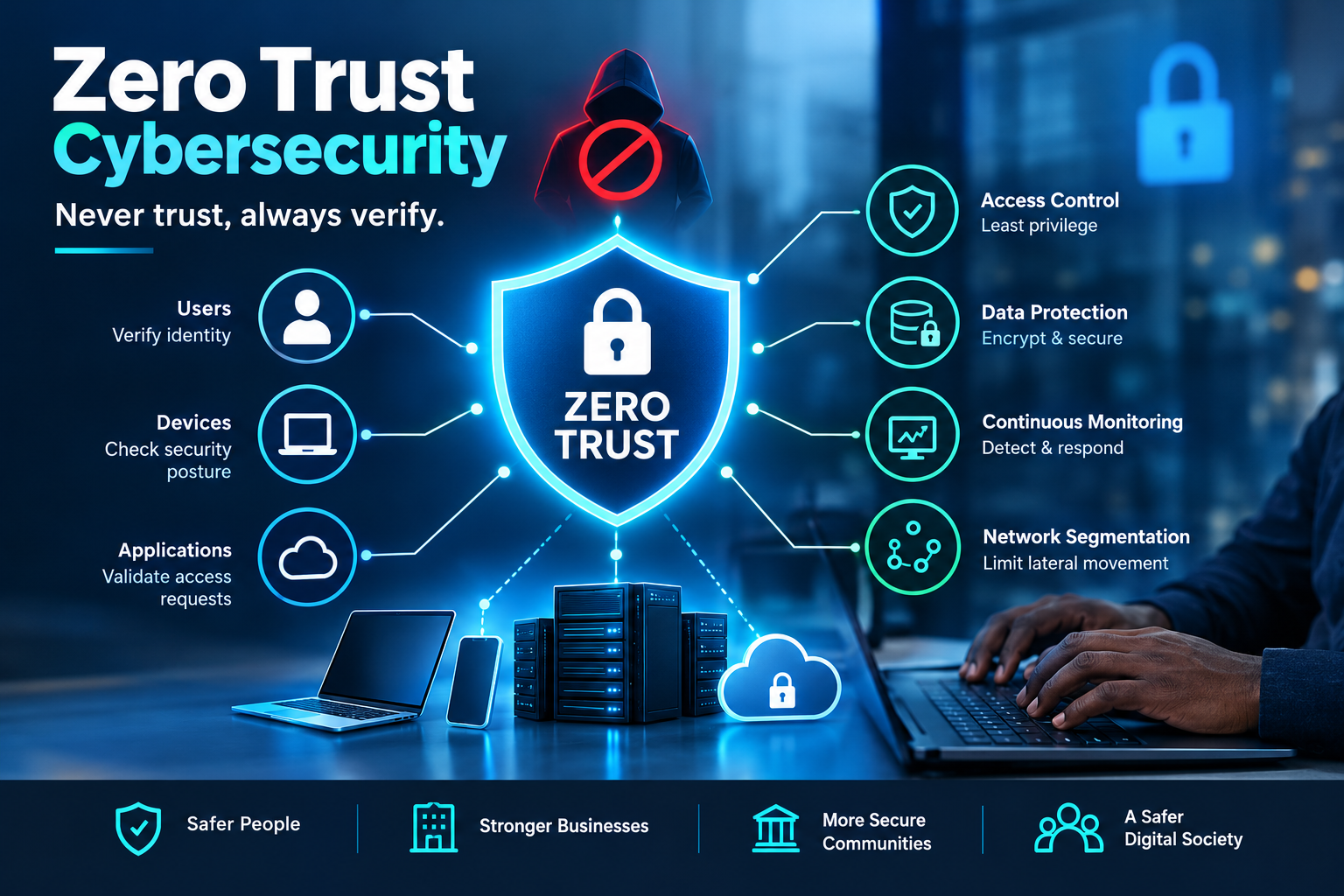
Implementing and Evaluating the Effectiveness of Zero Trust in Society
Technology has become an essential part of modern society. People use digital platforms for banking,...
Read More →
AI vs Traditional Software: What's the Difference?
Technology has changed the way businesses operate. Today, businesses can choose from traditional sof...
Read More →
Common Laravel Errors and How to Fix Them
Laravel makes modern PHP application development faster and more structured. However, like any softw...
Read More →
Essential Skills Every Professional Should Develop
The workplace is constantly changing, and professionals are expected to do more than simply have aca...
Read More →