How to Protect Your Business Website from Cyber Attacks
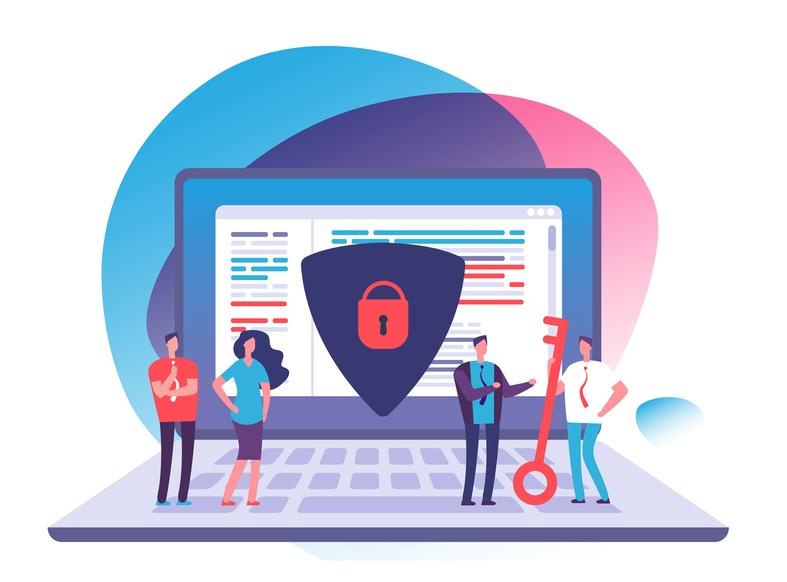
Regular backups are your safety net if your website is hacked, experiences a server failure, or suffers accidental data loss.
Best practices include:
Automated daily or weekly backups
Storing backups in multiple locations (cloud and offline)
Backing up both your website files and database
Testing backups regularly to ensure they can be restored successfully
Without reliable backups, recovering a compromised website can be costly, time-consuming, or even impossible.
Enable Two-Factor Authentication (2FA)
Two-factor authentication (2FA) adds an extra layer of security beyond your password. Even if someone steals your login credentials, they cannot access your account without completing a second verification step, such as entering a code generated by an authentication app or sent to your mobile device.
Enable 2FA for:
Admin dashboards
Hosting control panels
CMS logins (Laravel, WordPress, etc.)
Implementing 2FA is one of the most effective ways to prevent unauthorized access to your website.
Keep Your Website and Plugins Updated
Outdated software is one of the most common entry points for cybercriminals. Software updates often include security patches that fix known vulnerabilities before they can be exploited.
To stay protected:
Regularly update your CMS or framework (e.g., Laravel or WordPress)
Update plugins, themes, and dependencies
Remove unused plugins and extensions
Install security patches as soon as they become available
Keeping your website up to date significantly reduces the risk of cyber attacks and ensures your site continues to perform reliably.
Security Measures
For even stronger protection, consider implementing these additional security measures:
Web Application Firewall (WAF): Blocks malicious traffic before it reaches your website.
Limit Login Attempts: Helps prevent brute-force login attacks.
Malware Scanning: Detects and removes malicious files before they can cause damage.
Secure Hosting: Choose a reliable hosting provider with built-in security features.
Role-Based Access Control: Give users only the permissions they need to perform their responsibilities.
Final Thoughts
Website security is not a one-time setup—it is an ongoing process that requires regular attention. By using strong passwords, enabling SSL encryption, performing regular backups, activating two-factor authentication, and keeping your website updated, you can greatly reduce the risk of cyber attacks.
A secure website protects your business, safeguards your customers' information, and builds trust with your visitors. Investing in website security today can save your business from costly downtime, data breaches, and reputational damage in the future.
💬 Comments
No comments yet. Be the first to comment!
← Back to Blog📚 Related Articles
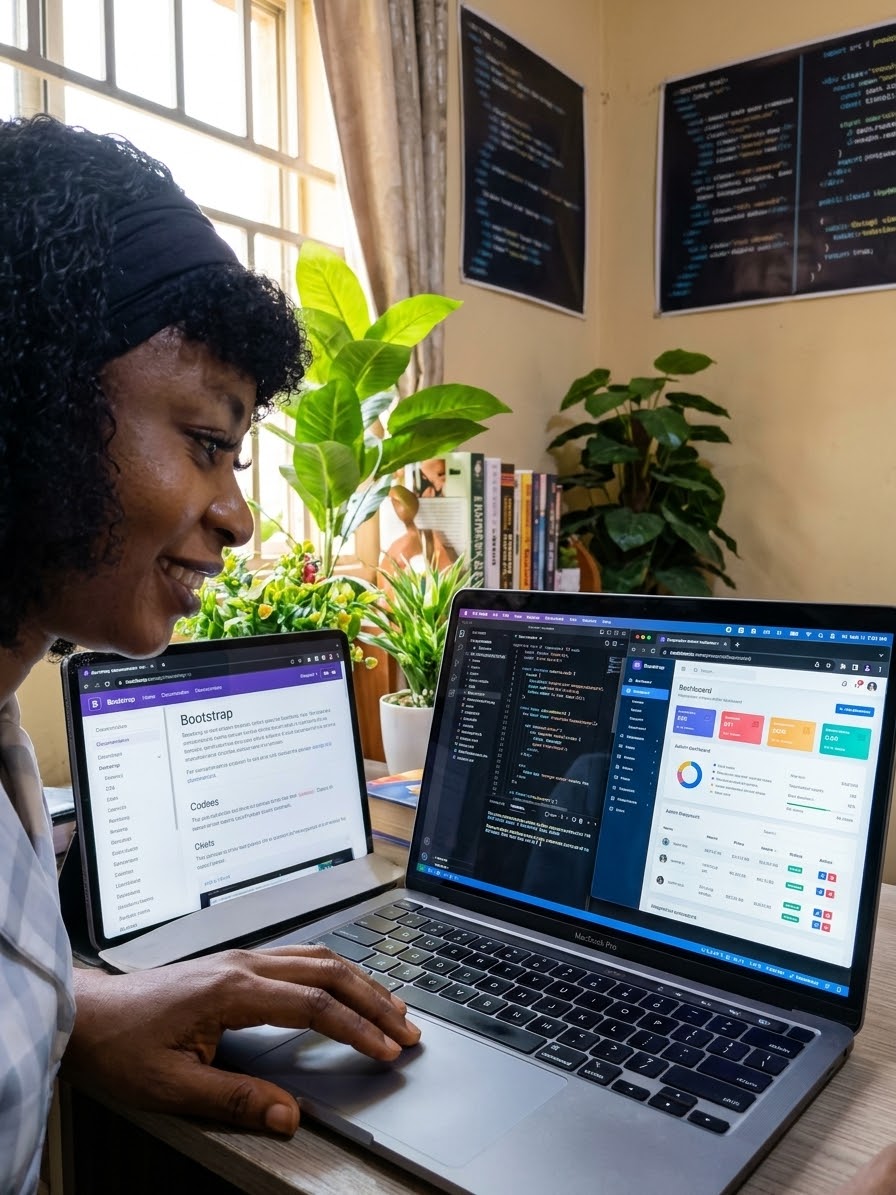
Bootstrap and Templates for Developers: Build Websites Faster
Bootstrap and Templates for Developers: Build Websites FasterBuilding a website from scratch can tak...
Read More →
The Use of Technology to Wipe Off Local Techniques
Technology has become a major force in the development of modern society. It has changed the way peo...
Read More →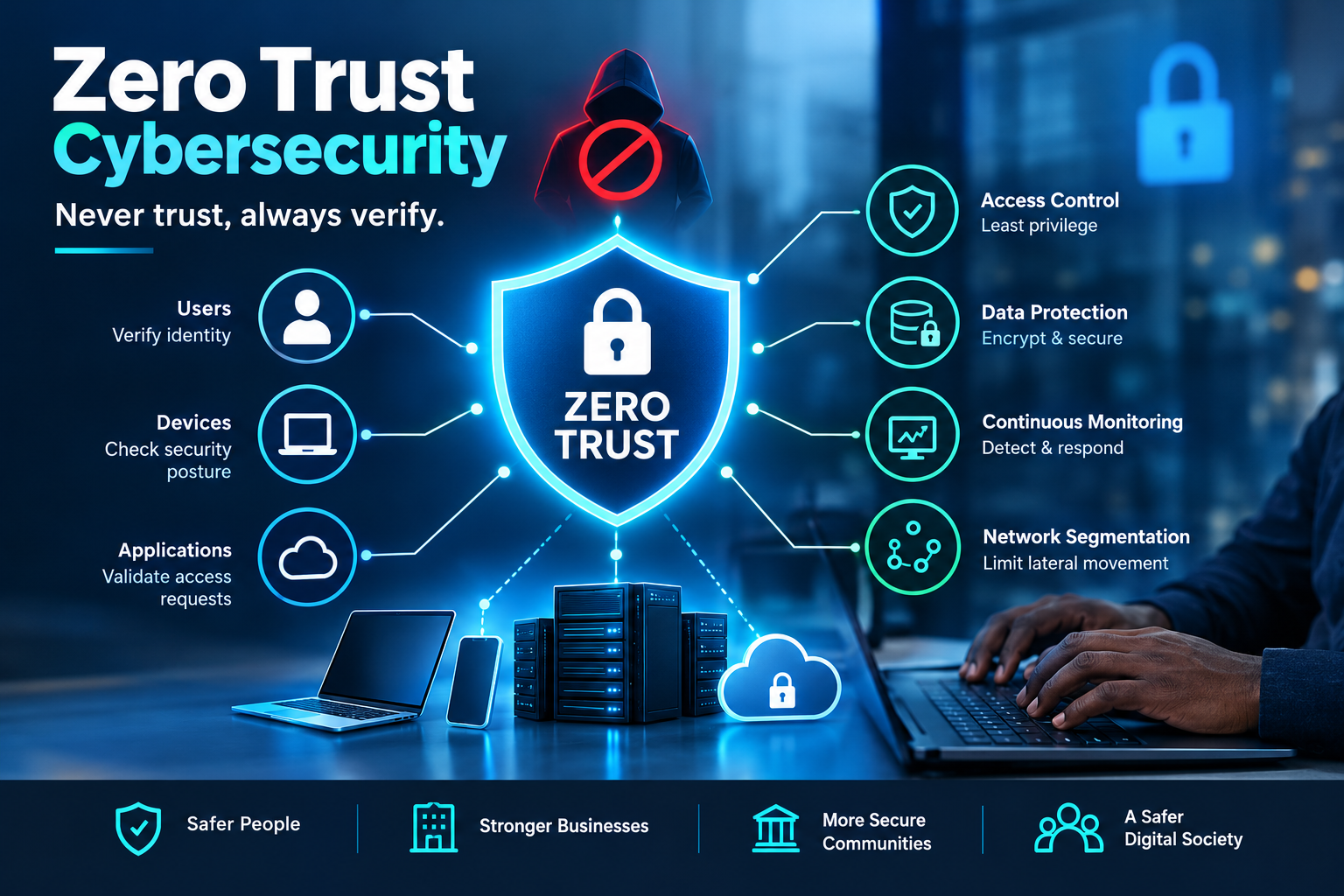
Implementing and Evaluating the Effectiveness of Zero Trust in Society
Technology has become an essential part of modern society. People use digital platforms for banking,...
Read More →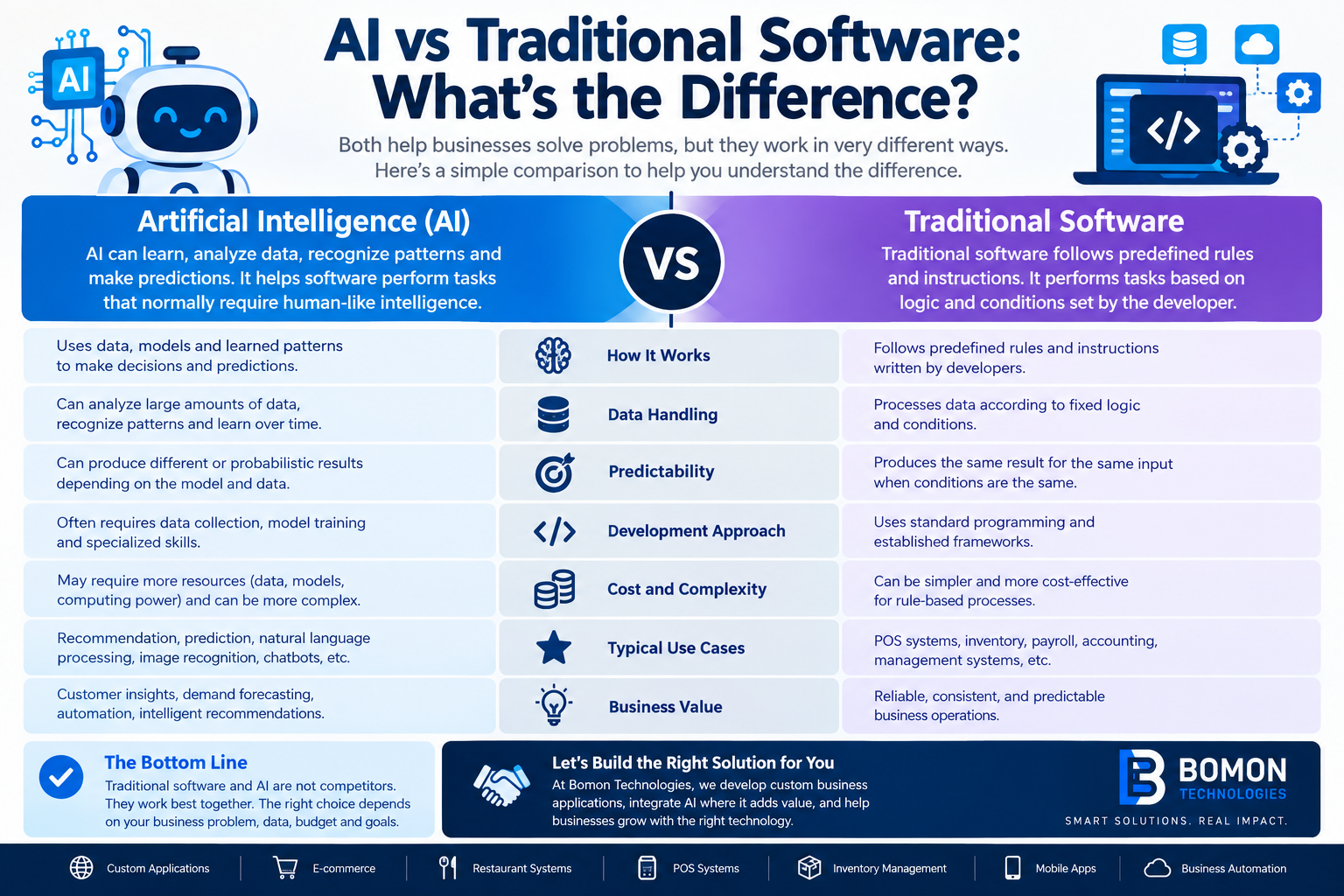
AI vs Traditional Software: What's the Difference?
Technology has changed the way businesses operate. Today, businesses can choose from traditional sof...
Read More →
Common Laravel Errors and How to Fix Them
Laravel makes modern PHP application development faster and more structured. However, like any softw...
Read More →
Essential Skills Every Professional Should Develop
The workplace is constantly changing, and professionals are expected to do more than simply have aca...
Read More →